 CostObserver
THE FREEDOM TO $ Build_
Without Blowing Your
Cloud Budget Without a Security
Blind Spot Without Slowing Down
Your Team





You're Busy Shipping
Not Auditing Bills
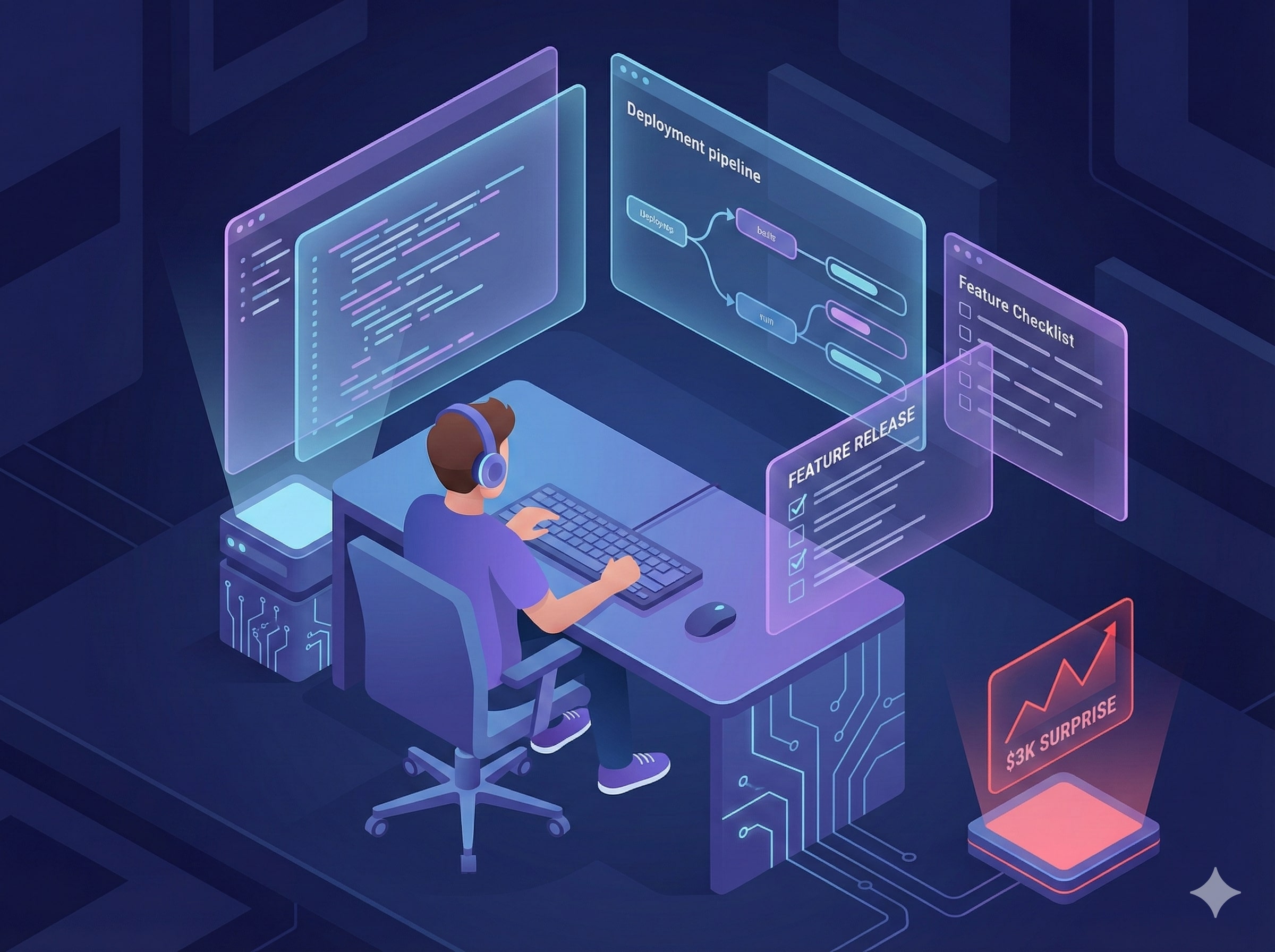
Cloud costs aren't top of mind when shipping features. Manual checks, internal scripts or just ignoring it altogether.
Until a $3K surprise forces you to drop everything and investigate!
Cost Spikes Have
No Context
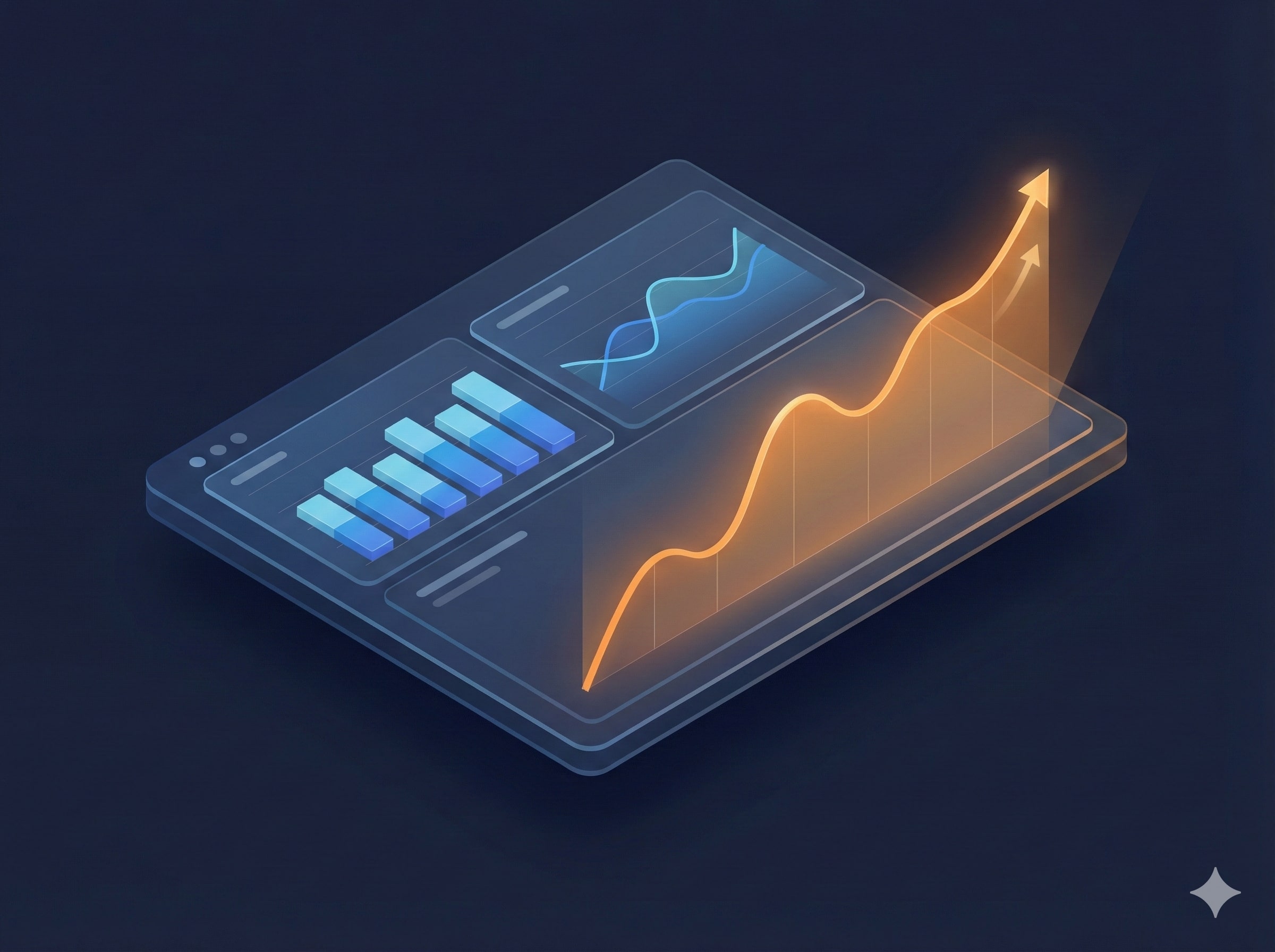
Billing tools show a $3K spike on compute. But what caused it? A traffic surge? A misconfiguration? A hacker on your server?
Traditional tools show the cost. CostObserver shows the cause.
Connected Intelligence:
Cost + Security + Resources
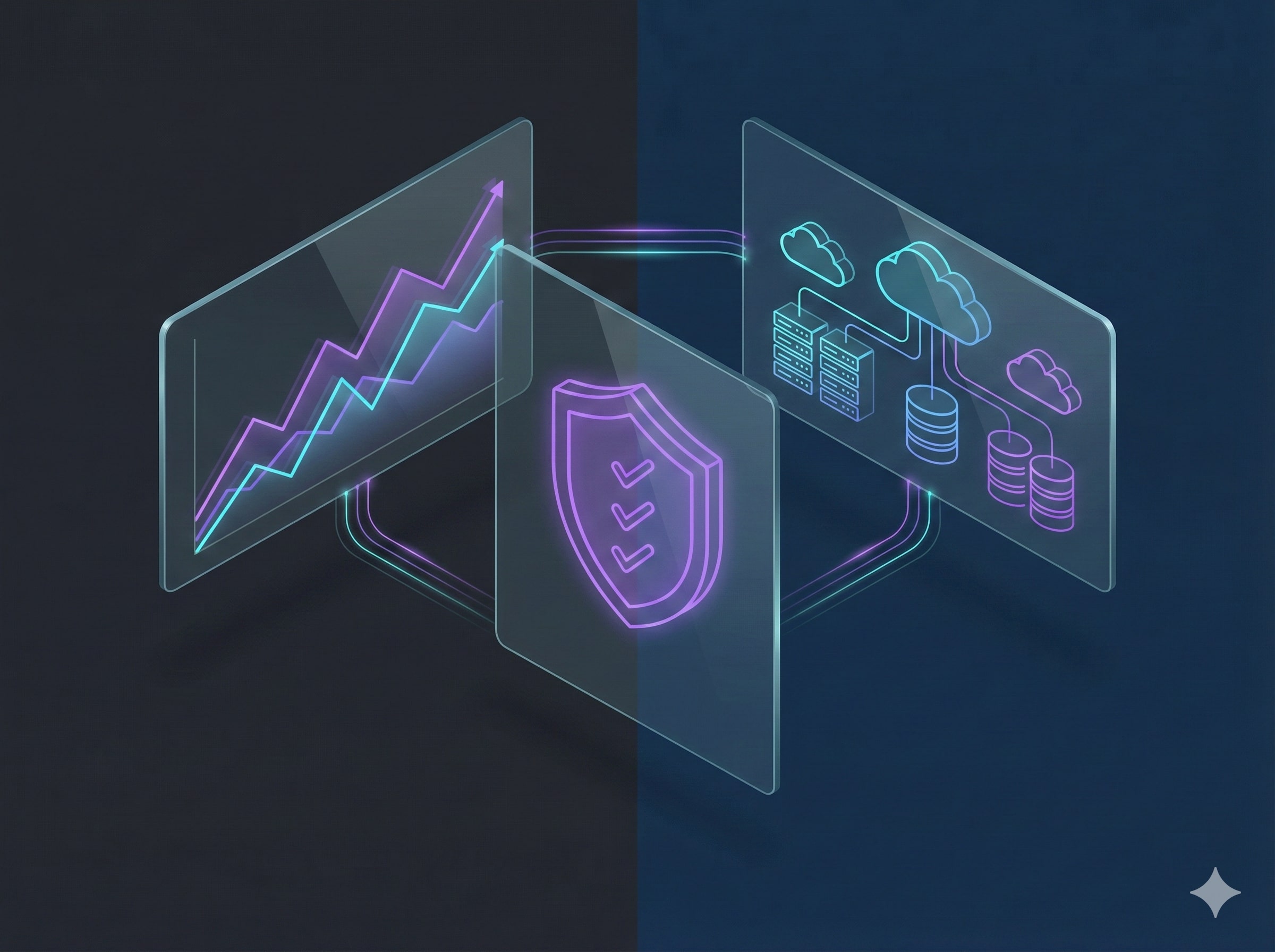
SecFinOps in action: Billing data, security signals and resource behaviour unified in one view.
AI connects the dots: that $3K spike is an exposed server with critical vulnerabilities, running 24*7.
Fix What Bleeds Cash
Ignore the Rest
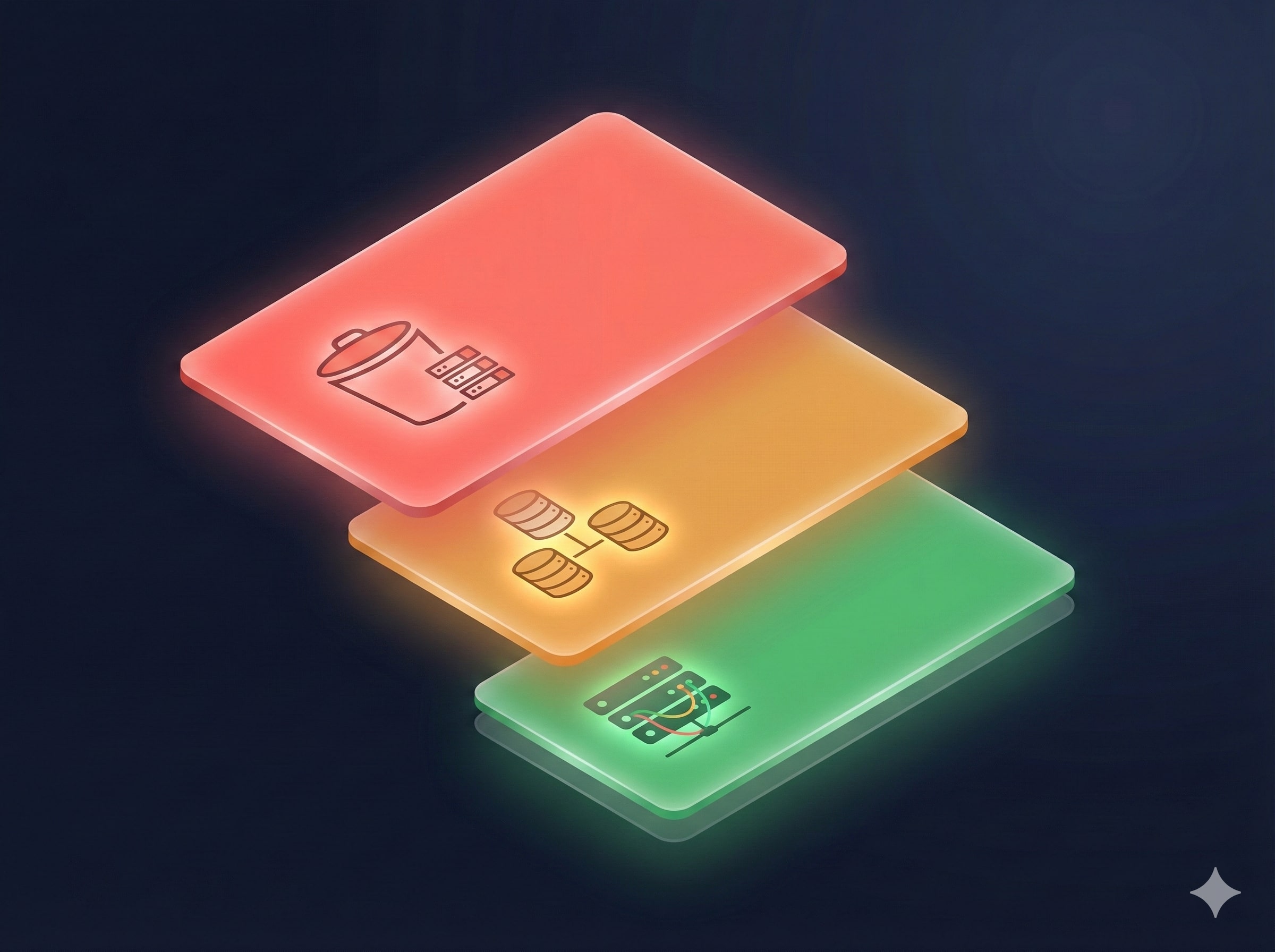
Issues ranked by financial impact: $920 exposed bucket, $450 unattached volumes, $30 idle server.
No more alert fatigue, just actionable priorities.
The Story Behind Every Dollar
See exactly what's driving your cloud costs and the security risks hiding in plain sight
One Platform. Every Team Aligned
Unified visibility across cost, security and engineering. No more silos, no more surprises.

For Engineering Leaders
Stop Surprises Before They Hit
Understand what is driving cloud spend before someone asks. Give your team clear priorities and protect runway without waiting for a post-mortem.

For FinOps Professionals
Stop Arguing Over Tags
See the exact architectural reason a bill spiked. Connect costs to security signals and resource behaviour, not just line items.

For DevOps & Platform Engineers
Stop Context Switching
Get the exact Terraform or AWS CLI command to fix an expensive risk instantly. No more jumping between tools or guessing what broke.
Multi-Cloud Roadmap
Start with AWS today, expand to every cloud
Amazon Web Services
Cost tracking, security signals, and resource behaviour across your AWS environment.
GCP & Azure
The same SecFinOps intelligence coming to Google Cloud Platform and Microsoft Azure.



Other Cloud Providers
Additional major cloud service providers to complete our comprehensive multi-cloud cost observability platform.
Common Questions
Everything you need to know before connecting your cloud account
$ Why did you build SecFinOps instead of just a cost tool? ›
Overspending is a symptom, not the cause. It could be waste, a misconfiguration, or a security breach.
Crypto mining on a compromised server. An exposed API triggering runaway autoscaling. Leaked keys giving bad actors free access to your cloud. A public storage bucket silently leaking data. These go unnoticed until the bill arrives.
Billing tools show a number with no context. Security tools raise an alert with no cost impact. Nothing connects, and nothing gets resolved fast enough.
We built SecFinOps to show both together, so engineers act on the threat, not just the invoice.
$ Does CostObserver use AI? ›
Yes. CostObserver uses AI to correlate cost spikes with security signals and resource behaviour, then surface recommended actions. AI is how the platform works, not what it replaces. Your team stays in control of every decision.
$ How is this different from cloud native billing tools or FinOps platforms? ›
Cloud native billing tools such as AWS Cost Explorer, Azure Cost Management, and GCP Billing Reports summarise spend and trends. FinOps platforms like Apptio Cloudability, Kubecost, and CloudHealth focus on optimisation, chargeback, and governance. CostObserver adds security context and resource behaviour, so a spend spike links to the specific resource, its exposure, and recent changes. That turns a cost alert into a clear root cause and a ranked fix list.
$ Which clouds do you support? ›
AWS only. GCP and Azure are on the roadmap. Sign up and we will notify you when they are available.
$ Where is my data stored and are you compliant? ›
All CostObserver infrastructure is securely hosted with strict database-level tenant isolation. We process read-only infrastructure metadata and billing metrics, not your application data or PII. We are designed to minimise sensitive data exposure and follow standard privacy and security best practices. Full details at costobserver.com/security.
$ Are you SOC 2 or ISO 27001 certified? ›
Not yet. We are working toward SOC 2 Type II and ISO 27001. We follow security best practices from day one, including encryption in transit and at rest, least privilege access, and isolated environments. Read more at costobserver.com/security.
$ Is there a free trial? ›
Yes. All plans include a 14-day free trial. No credit card required.
Your Cloud Bill Has a Story. Read It.
Start Free Trial →Know what changed. Know what is risky. Fix what matters first. Or try the live demo.