
Your Cloud Bill Is Lying to You. Here Is What It Is Not Telling.
That cost spike last Tuesday? It probably was not your dev team spinning up extra instances. Here is what your billing dashboard is not showing you.

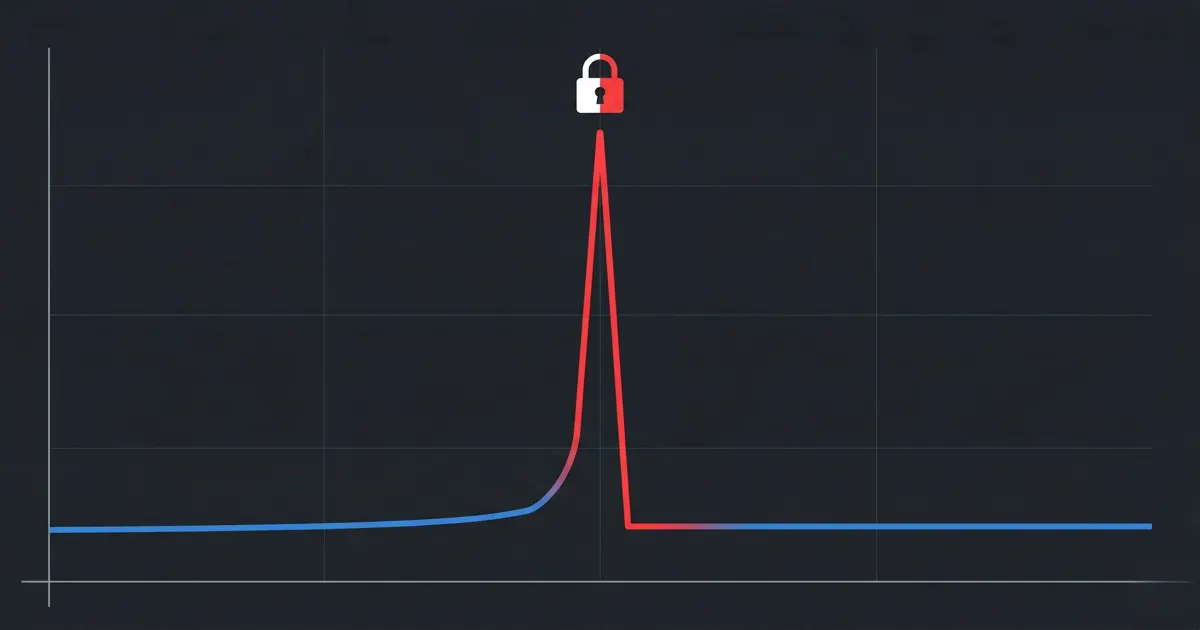
A team notices their AWS bill is up 40% month over month. No new features shipped. No traffic surge. The FinOps lead opens Cost Explorer, sees a spike in EC2 and data transfer costs, and assumes a scaling issue or a misconfigured autoscaler.
Three days of investigation later, the real cause surfaces: an S3 bucket with overly permissive access had been exfiltrating data to an external destination for weeks. The data transfer costs were the first visible signal. Nobody connected them to the access logs.
This is not an edge case. It is a pattern.
What Your Billing Dashboard Actually Shows You
AWS Cost Explorer shows you compute hours, storage consumed, data transfer, and API calls. Clean numbers. Useful for trend analysis. Good for rightsizing conversations.
What it does not show you is why those numbers changed.
A spike in your S3 data transfer line could be customer growth. It could also be a misconfigured bucket policy allowing unauthenticated access. A jump in EC2 costs in a region you do not normally operate in could be a new workload. It could also be a compromised IAM credential being used to mine cryptocurrency.
The billing dashboard shows the cost. It does not show the cause. That gap is where security incidents live undetected for weeks.
The Incident Pattern That Keeps Repeating
The Verizon 2025 Data Breach Investigations Report found that stolen credentials were involved in 88% of basic web application attacks. When a credential is compromised in an AWS environment, the attacker’s activity shows up in the bill before it shows up in most security workflows.
Here is what that looks like in practice:
What the bill shows: An EC2 compute spike in us-west-2. The account normally runs workloads in ap-southeast-1. Cost Explorer labels it as EC2 instance charges with no corresponding deployment tag.
What actually happened: A long-lived IAM access key with broad EC2 permissions was exposed in a public GitHub repository. An automated scanner found it within hours. GPU instances were launched for cryptomining.
Why the billing dashboard was misleading: The cost appeared under the same EC2 line item as legitimate workloads. Without filtering by region and comparing against deployment history, it looked like normal infrastructure spend.
What would have caught it faster: AWS Cost Anomaly Detection flagging the regional spend pattern, cross-referenced with CloudTrail showing RunInstances calls from an unfamiliar IP address.
Why Billing Tools Alone Are Insufficient
AWS Cost Explorer is built to answer “how much did we spend and on what.” It is not built to answer “why did this happen and is it a security problem.”
That requires correlating billing data with CloudTrail API activity, GuardDuty findings, and IAM change history for the same time window. Most teams do not have that correlation built. So the security signal sits in one tool and the cost signal sits in another, and neither team connects them until the post-mortem.
According to the IBM Cost of a Data Breach 2025 Report, the average time to identify and contain a breach was 258 days. That is a long window during which cost signals in the billing console may be the earliest visible indicator of an active incident.
What to Do When a Cost Spike Lands
Before assuming a scaling issue or a misconfigured resource, run this check:
Filter Cost Explorer by region and resource tag. If the spike is in a region or resource group that does not match a recent deployment, that is worth investigating before assuming waste.
Pull CloudTrail events for the same time window. Look for
RunInstances,CreateBucket,PutBucketPolicy, orGetObjectcalls that do not match normal patterns. Unusual source IPs or unfamiliar IAM principals are the signal.Check GuardDuty findings for the same period. GuardDuty analyses CloudTrail management events, VPC Flow Logs, and DNS query logs. A cost spike with a corresponding GuardDuty finding is a security incident, not a billing problem.
Set up AWS Cost Anomaly Detection. It uses machine learning to identify unusual spend patterns and can alert via email or SNS. AWS Cost Anomaly Detection
Note: These steps do not require new tooling. CloudTrail, GuardDuty, and Cost Explorer are already in your AWS account. The gap is not tooling. It is the workflow that connects them.
The Broader Pattern
The billing dashboard is not lying to you deliberately. It is just answering a different question than the one you need answered when something goes wrong.
Cost Explorer answers: what did we spend? CloudTrail answers: what did we do? GuardDuty answers: what looks suspicious?
SecFinOps is the practice of asking all three questions together, not sequentially after an incident has already compounded.
That is the gap CostObserver is built to close. When a cost spike appears, CostObserver surfaces the corresponding resource behaviour, security signals, and IAM activity in one view, so the investigation that currently takes three days takes three minutes.
Try CostObserver. Read-only access, no credit card, connects in minutes. Or explore the demo without signing up.